
Smart home internet in Bangladesh is no longer a luxury. It is the foundation of a modern household. From voice-activated air conditioners that cool your room before your commute ends, to security cameras monitoring your front gate, homes are more connected than ever. However, there is a hidden bottleneck that often ruins the experience: relying on a standard neighborhood broadband connection and an outdated router.
While an entry-level internet package might seem fine for a couple of smartphones, a truly functional automated home demands a capable network. If you want the best internet for smart home in Dhaka or anywhere else in the country, you need to look at how your data is delivered, how it is distributed through your house, and how it handles dozens of devices simultaneously.
Here is everything you need to know about setting up a reliable, high-speed network for your smart devices.
The Reality of Smart Device Bandwidth
A common misconception is that all smart devices need massive amounts of download speed. In reality, different devices consume bandwidth in entirely different ways. Understanding this is the first step to optimizing your home network.
High Download vs. High Upload
When you stream Netflix in 4K on a smart TV, your network uses about 15 to 25 Mbps of download speed. However, when setting up WiFi for CCTV cameras, the requirement shifts. A single 1080p IP security camera requires a steady 2 to 4 Mbps of upload speed but primarily when you are using remote viewing or backing up footage to the cloud. If you have multiple Wi-Fi cameras uploading to the cloud simultaneously, you need adequate upload bandwidth to keep the stream smooth.
Why Smart Lights and Plugs Actually Disconnect
Many people upgrade their internet speed when their smart bulbs or smart plugs randomly go offline. Interestingly, these Internet of Things devices use almost no internet bandwidth—often just a few kilobits per second.
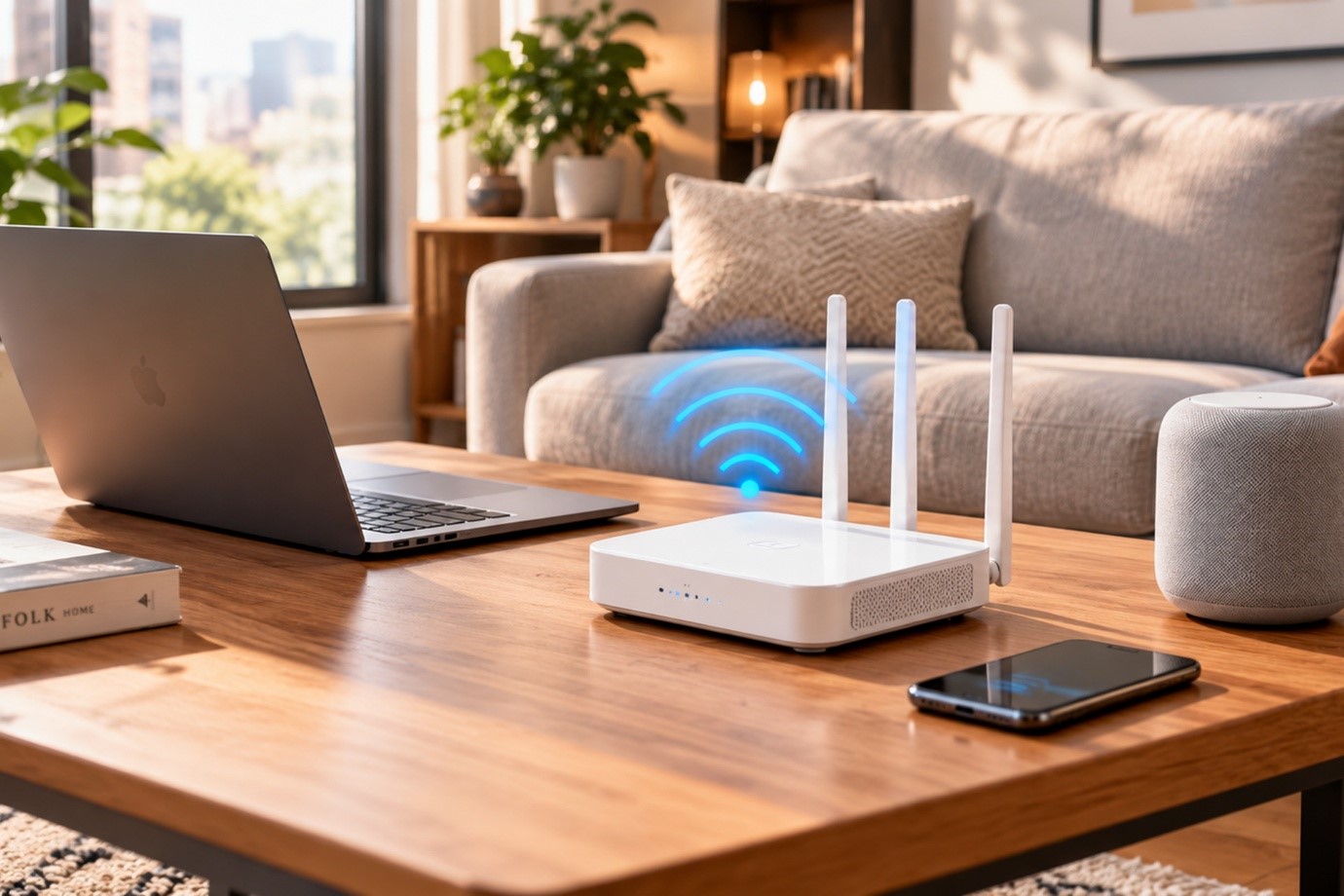
Most connection drops come from weak Wi-Fi coverage, 2.4 GHz wireless congestion, or a cheap router. Some budget routers become unstable once dozens of devices are connected simultaneously. Simply paying for a faster internet package will not fix this. Upgrading your wireless hardware is usually the answer.
Overcoming Local Network Obstacles
To ensure a smooth connection, your internet service provider and your internal Wi-Fi routing must work perfectly together. Here are the technical setups to consider.
Penetrating Brick and Concrete Walls
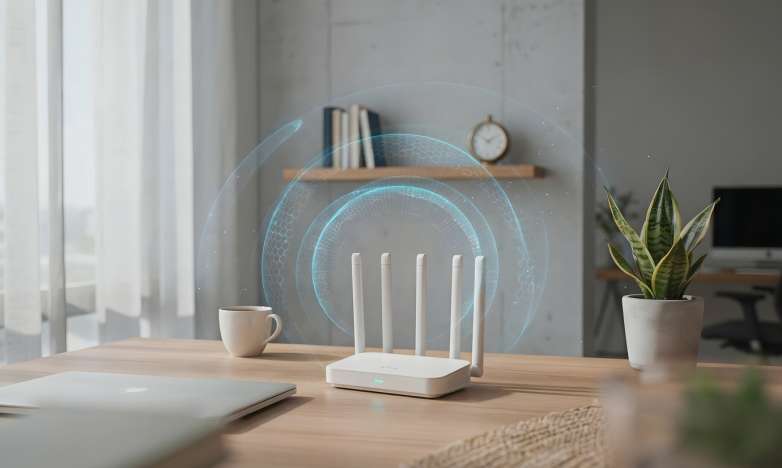
Reinforced concrete and brick walls absorb Wi-Fi signals, so one router in the drawing room often cannot reach the bedrooms or kitchen. This is a primary reason why a smart speaker in the master bedroom might struggle to execute basic voice commands.
To solve this, a Mesh Wi-Fi system is highly recommended. Instead of one router doing all the work, multiple nodes are placed around the flat to blanket the area in a strong signal.
Managing the 2.4 GHz vs. 5 GHz Divide
Modern routers are dual-band, meaning they broadcast two separate signals:
- The 2.4 GHz band: Travels further and penetrates walls better, making it the connection used by most smart home gadgets like locks, plugs, and vacuums. However, it gets crowded quickly.
- The 5 GHz band: Faster but has a shorter range. You should reserve this band strictly for bandwidth-heavy devices like your smartphones, laptops, and smart TVs.
It is highly recommended to set up a separate IoT network. Most modern routers allow you to create a secondary Wi-Fi network just for your smart devices, keeping your main network clear for browsing.
Power Backup During Load Shedding
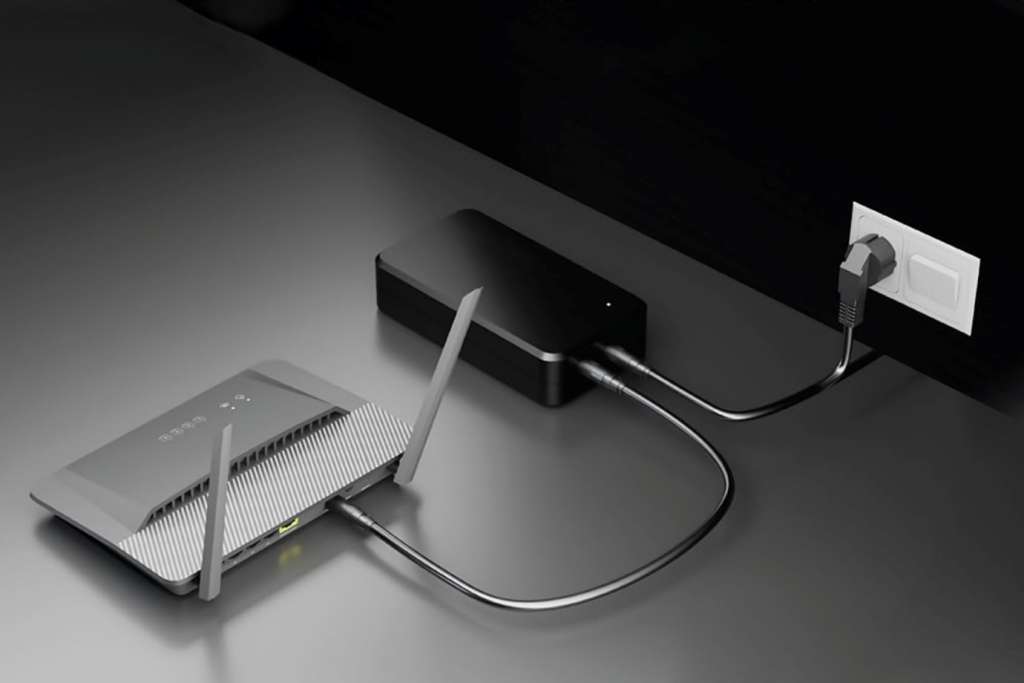
Your smart home stops working the moment the power goes out. Even if your internet provider has backup generators, your home Wi-Fi will still go offline. To prevent this, simply
connect your main Wi-Fi router and the small fiber internet box to a Mini-UPS. Depending on the battery size, these small power banks can keep your Wi-Fi running for hours during load-shedding. This ensures your battery-powered security cameras and smart sensors stay connected, keeping your home safe even in the dark. How to choose smart home internet in Bangladesh.
Power Your Smart Home with Nexa
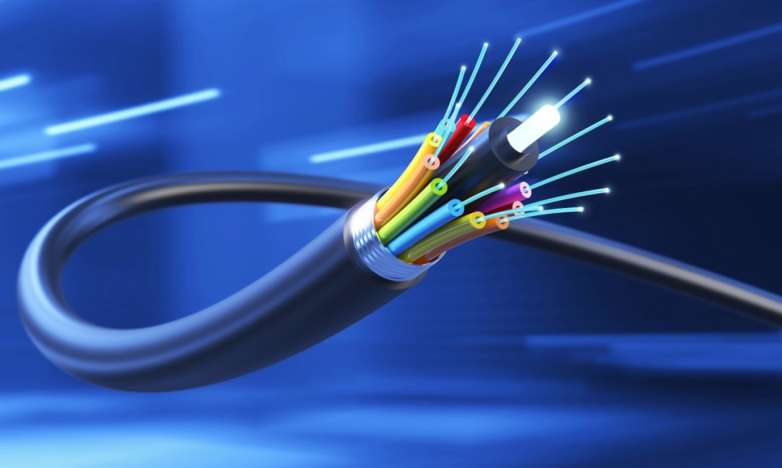
At Nexa, we design our fiber-optic broadband with multi-device households in mind. Instead of highly congested shared lines, we focus on stability, low latency, and responsive customer care.
Comparing smart home internet price in BD? Our plans start at BDT 500, offering options that scale with your needs.
Choose a plan that fits your household size and number of devices, and upgrade easily as you add more automation.
Ready to build a reliable foundation for your smart home? Call us at 09653700700 or explore our Internet Packages.